Practical transcription
Can audio to text free ai handle your recording?
If you are looking for audio to text free ai, start by identifying what you need from the transcript: a rough draft, a searchable record, or wording you can quote. Automated output can save typing, but access terms and accuracy still need checking.
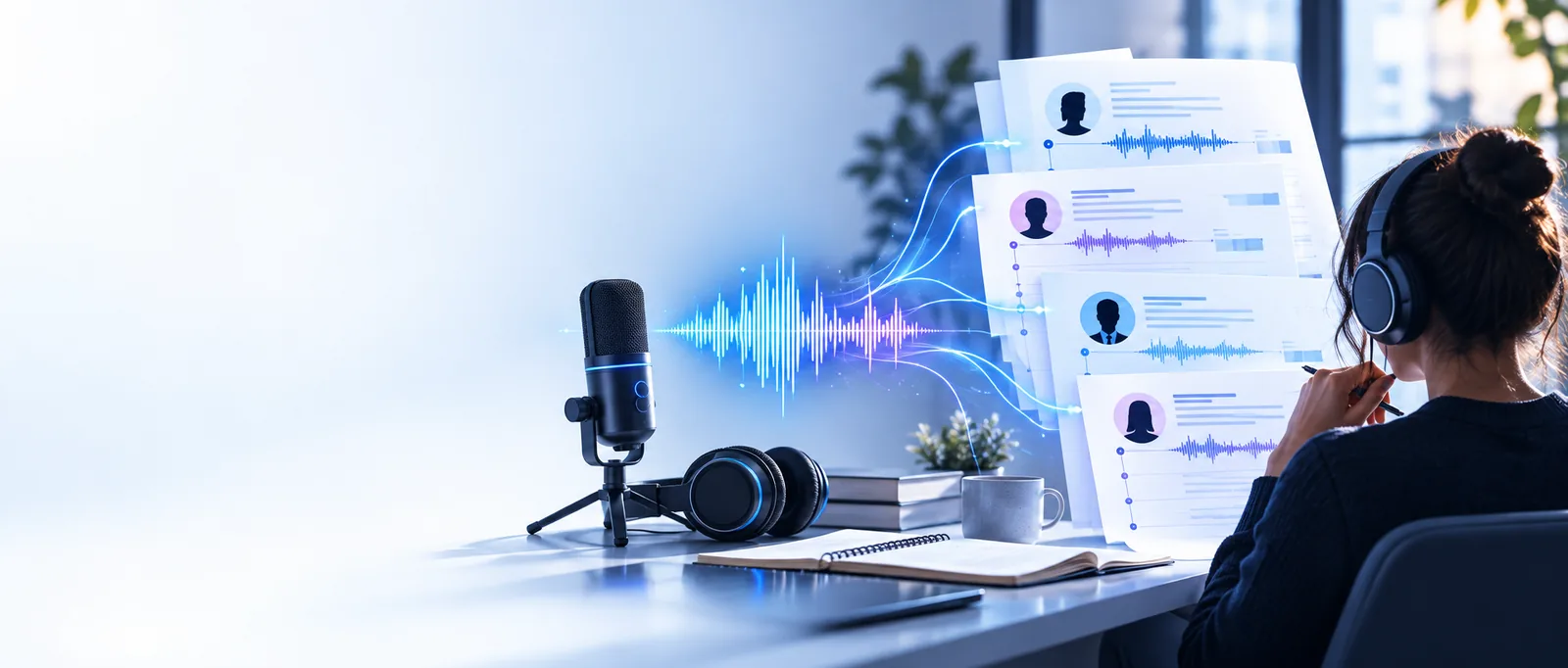
One useful draft, with a clear next step
The value of an AI transcript is a draft you can inspect against the recording. Choose an approach based on access requirements and how much editing the final text needs.
Three mechanisms behind an AI transcript
Think of the process as recognition, organization, and review—not as a guarantee that speech becomes publication-ready copy.
-
1
Recognize the speech
A speech-recognition system estimates words from the sound. Clear voices and limited background noise give it a better starting point; unusual names or overlapping speakers remain difficult.
-
2
Organize the draft
The recognized words may be arranged into readable sentences. Punctuation, paragraph breaks, and speaker labels are interpretations, so check them rather than treating the layout as evidence of what was said.
-
3
Verify against the audio
Replay uncertain passages, correct names and numbers, and decide whether to keep hesitations. This is the step that turns an AI-assisted draft into text you can use with greater confidence.
A step-by-step choice: AI draft or manual first pass
For audio to text work, the right starting method depends on the recording and the cost of getting a word wrong.
AI-assisted first pass
Manual first pass
Start
AI-assisted first pass
Check the destination's access terms, then provide a recording if its conditions suit you.
Manual first pass
Open the recording in a player and create a blank document.
First draft
AI-assisted first pass
Inspect the generated wording while listening to the source.
Manual first pass
Listen in short segments and type what you hear.
Unclear speech
AI-assisted first pass
Flag phrases that sound plausible but do not match the audio.
Manual first pass
Replay the passage and mark any word you still cannot resolve.
Names and numbers
AI-assisted first pass
Verify each against the recording or another reliable source.
Manual first pass
Verify each after the first pass; typing it yourself is not proof it is correct.
Speaker changes
AI-assisted first pass
Check every proposed label when voices are similar or overlap.
Manual first pass
Mark changes as you listen, leaving uncertain speakers unidentified.
Final check
AI-assisted first pass
Read the corrected text while replaying important sections.
Manual first pass
Read the typed text while replaying important sections.
Limits and edges worth checking first
A search for free AI transcription does not establish what a particular destination includes. Check its current terms and avoid sending sensitive recordings until you understand its handling of them.
-
No assured free allowance
This page cannot confirm that the destination offers a free tier, how much recording it accepts, or whether access requires an account.
WorkaroundRead the destination's current access and usage terms before providing audio.
-
No guaranteed word-for-word accuracy
Noise, accents, specialist vocabulary, and two people speaking at once can change the resulting words.
WorkaroundReplay consequential statements and mark anything you cannot verify.
-
No automatic privacy clearance
A convenient upload flow does not establish permission to share a private call, interview, or client recording.
WorkaroundObtain necessary consent and review the destination's data-handling information first.
-
No substitute for editorial judgment
Even readable output may omit a hesitation, misplace a question mark, or assign a sentence to the wrong speaker.
WorkaroundUse the recording as the source of truth, especially for quotations and decisions.
Ready to prepare a transcript?
Start with a clear goal for the recording
Decide whether you need a searchable draft or a carefully checked quotation. Then review the destination's terms before submitting audio, and reserve time to compare important passages with the source.
Explore transcription- Check access terms
- Protect sensitive recordings
- Verify important wording
FAQ about free AI transcription
No such allowance is established here. Whether access is available, what it includes, and whether an account is required depend on the destination's current terms. Check those details before uploading a recording.
It can provide a draft, but a convincing sentence may still contain the wrong name, number, or speaker. Replay every passage you intend to quote and keep uncertainty visible when the audio does not resolve it.
Confirm that you have permission to share the recording. Review the destination's privacy and data-handling information, and do not upload material if its handling does not meet your needs.
Automated transcription can interpret pauses and punctuation while arranging recognized words into readable text. If exact speech matters, compare the draft with the audio and restore meaningful repetitions, hesitations, or corrections.