Students
You have a recorded lecture or study discussion and need searchable notes.
A transcript gives you a workable draft for review, summaries, and quotations.
transcribe audio to text freeSimple workflow
Turn a supported recording into readable text with a straightforward online workflow. Use the steps below to prepare your file, review the result, and avoid common transcription problems.

Related guides
Useful starting points
The best route depends less on the label and more on what you need to do with the transcript afterward.
You have a recorded lecture or study discussion and need searchable notes.
A transcript gives you a workable draft for review, summaries, and quotations.
transcribe audio to text freeYou need to turn a conversation into a document before extracting themes or quotes.
A clear first pass reduces manual typing and leaves more time for editing the interview.
audio to text free aiYou want captions, a rough script, or written notes from a voice recording.
Text makes spoken material easier to edit, repurpose, and check before publishing.
audio to text onlineA meeting recording needs a readable draft without adding a new software setup step.
An online workflow can provide a useful starting document for action items and follow-up.
transcribe audio to text freeHow it works
Prepare the recording first, then treat the generated transcript as an editable draft rather than a final record.
Choose the original file when possible. Reduce background noise, confirm that speech is audible, and make sure you have permission to process the recording.
Use the prompt console to describe the job and hand off the recording. State whether you need paragraphs, timestamps, speaker labels, or a particular tone of cleanup.
Check names, numbers, technical terms, punctuation, and speaker changes. Then copy the useful sections into the document or workflow where they belong.
Know the edges
Online transcription is helpful for producing a draft, but the recording and the review step still determine the quality of the final text.
If the recording is silent, clipped, heavily distorted, or covered by loud noise, the missing words cannot be recovered from the file.
WorkaroundUse the clearest original recording and replace uncertain passages with a marked note during review.
Overlapping voices, similar speakers, interruptions, and unnamed participants can make attribution uncertain.
WorkaroundProvide names or roles in your instructions and verify every change of speaker.
Names, figures, URLs, jargon, and accents may be rendered incorrectly even when the overall transcript reads naturally.
WorkaroundCompare important passages with the audio before publishing, quoting, or making decisions.
A convenient workflow does not decide whether you are allowed to upload a private meeting, interview, or customer recording.
WorkaroundRemove sensitive material where appropriate and follow your organization’s handling rules.
See the difference
Always verify names, numbers, and speaker changes before using the transcript.
Start with your recording
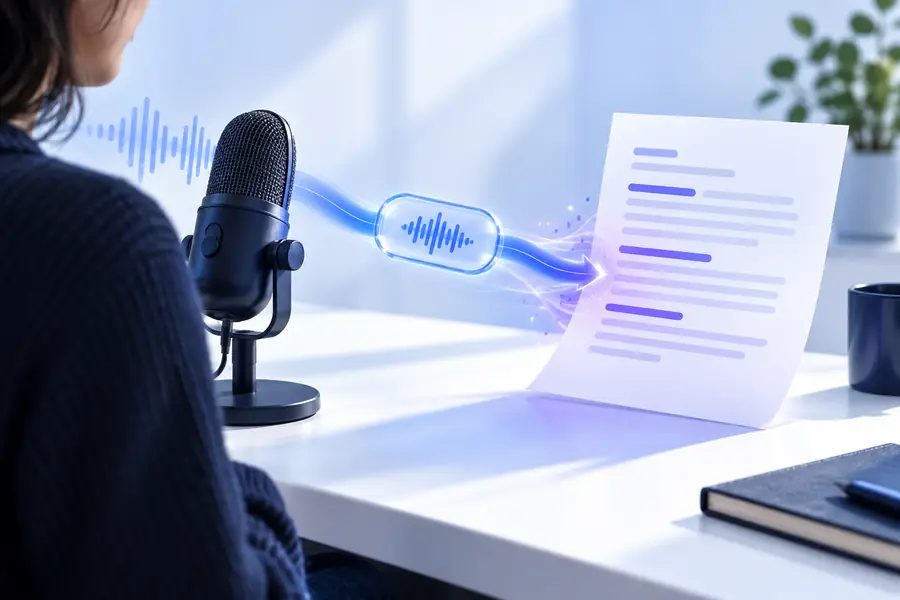
Describe what you want from the transcript, submit the audio, and use the result as a practical first draft. A short review is still essential for accuracy and privacy.
Convert my audioCommon questions
Some online workflows may let you begin without a separate account, but the exact access and handoff experience depends on the service behind the route. Check the current prompt and review the privacy terms before submitting sensitive audio.
Clear recordings with one understandable speaker at a time usually produce the most useful drafts. Reduce background noise where possible, avoid clipped audio, and use the original file rather than a low-quality re-recording.
Usually, it should be treated as a draft rather than a final document. Verify names, numbers, technical terms, punctuation, and speaker changes against the recording before publishing or sharing.
Only if you are permitted to process and upload that recording under the relevant privacy or organizational rules. Consider the sensitivity of the content, remove unnecessary personal information when appropriate, and review how the service handles submitted files.