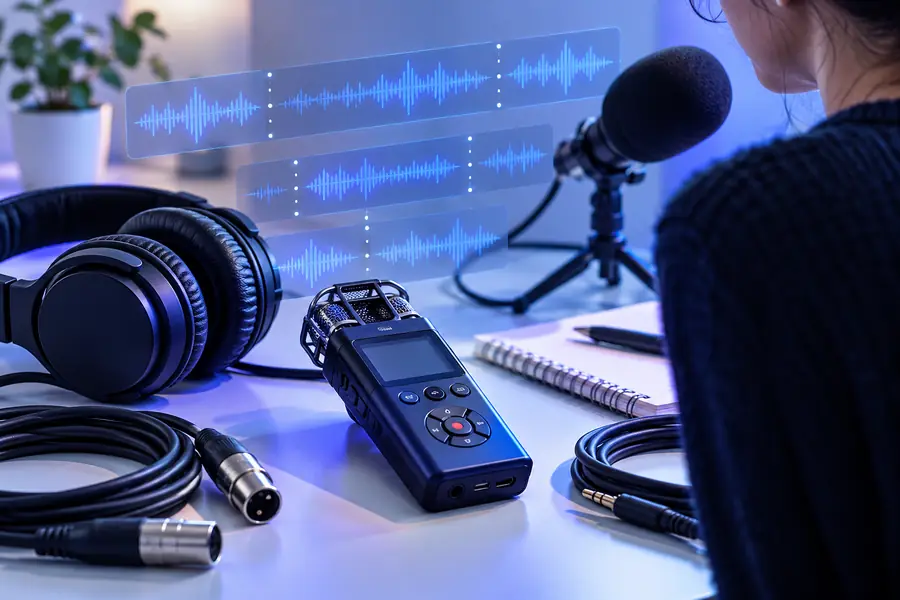
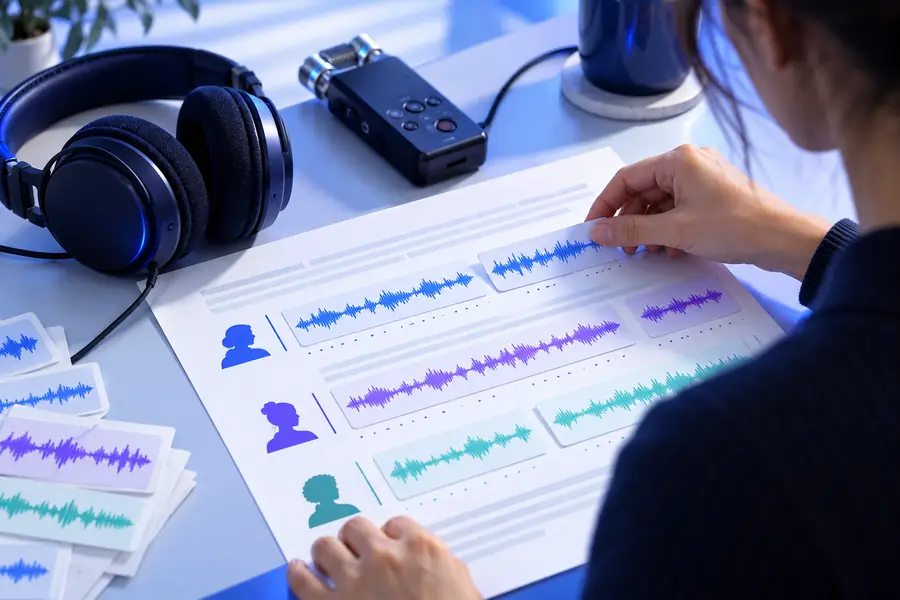
What is audio transcription? It is the process of turning spoken words in a recording or live source into written text that people can read, search, edit, and share.
Audio transcription is simple to define, but several assumptions can make the technology seem more capable or more limited than it really is.
Reality check
What Audio Transcription Actually Is
A useful definition needs boundaries. Audio transcription describes the conversion of speech into text; it does not automatically mean the result is perfectly edited, interpreted, or summarized.
It is not guaranteed word-for-word perfection
Background noise, accents, crosstalk, poor microphones, and specialist vocabulary can cause omissions or substitutions.
WorkaroundUse a clean source recording and review names, numbers, quotations, and technical terms before publishing.
It is not the same as summarization
Transcription aims to represent what was said, while a summary selects and compresses the main ideas.
WorkaroundCreate the transcript first, then summarize it as a separate editing step.
It does not identify every speaker automatically
A recording with overlapping voices or no clear speaker changes can produce uncertain speaker labels.
WorkaroundRecord speakers separately when possible and correct labels during review.
It does not repair an unusable recording
Transcription cannot reliably recover speech that is missing, heavily distorted, or covered by louder sound.
WorkaroundImprove microphone placement and reduce environmental noise before recording.
The basic workflow
Boundary Conditions for Audio Transcription
The workflow is straightforward, but the quality of the source determines how much checking the final text will need.
1
Provide the spoken source
Start with a recording or speech stream in which the voices are audible and the language is identifiable.
2
Convert speech into text
A transcription system analyzes the audio, recognizes spoken language, and produces a written version of the words.
3
Review the result
Check names, numbers, punctuation, speaker changes, and any passages affected by noise or overlapping speech.
From recording to text
When Not to Use Audio Transcription
Transcription is useful when written words are the desired output. It is the wrong first tool when the real goal is something else.
Spoken source
Written result
The text still needs context and review.
What changes the result
1Speech quality and language context both affect the output.
2inputs
2Names, numbers, and speaker changes deserve focused review.
3checks
3No transcription should be treated as automatically error-free.
0guarantees
Practical applications
Researchers
A researcher records an interview, lecture, or field conversation and needs a searchable working copy.
A transcript makes quotes easier to locate and themes easier to compare. See the guide to what is audio to text online for the broader conversion concept.
A student captures a class discussion or study note and wants to revisit the spoken material later.
Written text supports review, highlighting, and personal notes without replaying the entire recording. The audio to text online workflow explains the general process.
A content editor has an interview or podcast segment that needs to become a draft for articles, captions, or notes.
Transcription provides source material for editing, though the final copy still needs structure and fact checking. See how to transcribe audio to text free for a practical starting point.
A team wants a written record of decisions, questions, and follow-up items from a conversation.
A transcript preserves the discussion before someone extracts action items or prepares a concise summary. The audio to text vs transcribe comparison clarifies the terminology.
Attempts to retain the sequence and substance of what was said
Audio summarization
Removes detail in favor of brevity
3
Best starting point
Audio transcription
A recording that needs to become searchable or editable
Audio summarization
A transcript, notes, or recording that needs compression
4
Typical review
Audio transcription
Names, numbers, punctuation, speaker labels, and unclear words
Audio summarization
Accuracy of the selected themes, emphasis, and omissions
5
Searchability
Audio transcription
Supports searching for specific words and passages
Audio summarization
May omit the exact wording needed for a later search
6
Relationship
Audio transcription
Can serve as the source for later editing or summarization
Audio summarization
Usually works better after the spoken content has been transcribed
Ready to begin
Turn Spoken Words Into Usable Text
Now that the definition is clear, you can use Audio To Text to move from a spoken source toward a readable draft. Treat the result as working text, then review the details that matter most for your audience.
Audio transcription is the process of converting spoken language from a recording or live source into written text. The result can be read, searched, edited, quoted, or used as source material for another format.
The two phrases usually describe the same core process: turning spoken audio into written words. Audio transcription is the more specific term for the speech-to-writing task, while audio to text can be used more broadly for the same conversion.
No. Accuracy can be affected by background noise, microphone quality, accents, overlapping speakers, language context, and specialized vocabulary. Review important passages, especially names, numbers, quotations, and technical terms.
A transcript can support research, study notes, interviews, meeting records, captions, searchable archives, and content drafts. It is usually a source document rather than a finished article or automatic summary.