Audio file guide
Turn m4a to text, then check what you hear
An M4A file holds sound; a transcript holds words. Use this guide to prepare your recording, understand what the written version leaves out, and review it against the audio.
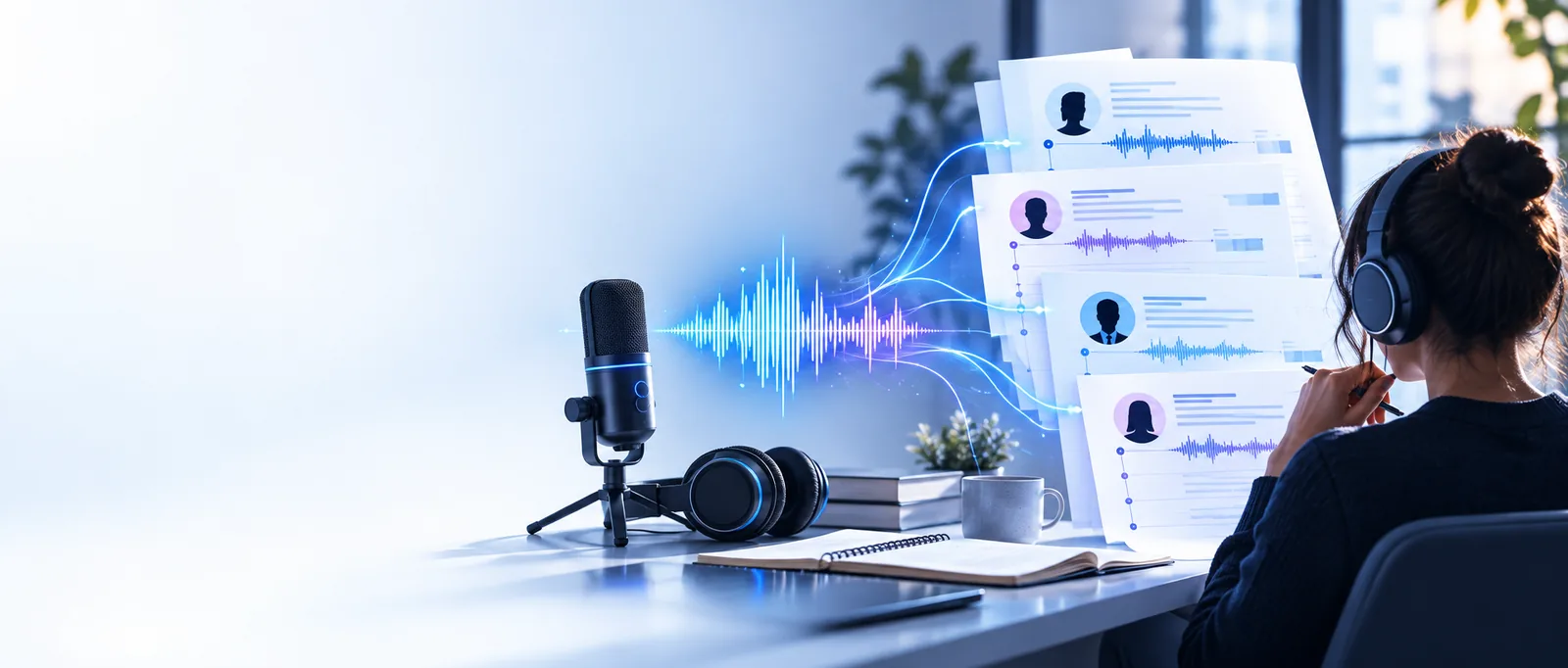
M4A recording versus written transcript
These are different kinds of files, not two versions of the same media. The recording remains your reference when the wording or a speaker's tone matters.
What conversion loses
Words on a page are useful for searching and editing, but they cannot carry every detail in an M4A recording.
-
1
Keep the sound
Save the original M4A before working with a transcript. Hesitation, emphasis, laughter, and background sounds may affect meaning even when every spoken word appears correct.
-
2
Watch speaker changes
If several people speak, read each change of voice against the recording. A plain transcript may not make an interruption, overlap, or uncertain speaker obvious.
-
3
Mark uncertainty
Do not turn a muffled name or number into a confident guess. Flag the passage, replay that part of the M4A, and leave an uncertainty note if the audio remains unclear.
The tool block: source and result
Use this comparison to decide what to inspect when you turn m4a to text. A transcription tool produces a draft to review, not a replacement for the source recording.
M4A recording
Text transcript
Contents
M4A recording
Recorded speech alongside pauses and other audible sounds.
Text transcript
Written words and any notes added during review.
How to inspect it
M4A recording
Listen, pause, and replay the relevant passage.
Text transcript
Read, search, copy, and edit the wording.
Tone
M4A recording
Pitch, pace, emphasis, and hesitation remain audible.
Text transcript
Tone needs a separate note if it matters to the reader.
Unclear speech
M4A recording
The difficult passage can be heard again.
Text transcript
An uncertain word should be marked rather than silently guessed.
Speaker identity
M4A recording
Different voices can be compared by listening.
Text transcript
Speaker labels need checking, especially where voices overlap.
Best use
M4A recording
Primary reference for what was actually recorded.
Text transcript
Working copy for finding, quoting, or organizing spoken content.
How to verify after conversion
Review the words against the M4A
Play the recording while reading the draft, starting with names, dates, numbers, and passages with background noise. Check where speakers change and whether punctuation alters the meaning. Keep the M4A available for any quote you may need to confirm later.
Transcribe your recording- Replay uncertain passages before editing them.
- Mark words you cannot confirm from the audio.
- Keep the original recording as your reference.
M4A conversion FAQ
It produces a written account of speech detected in the recording. The result is a draft transcript, so check important wording against the M4A before relying on it.
Only if the transcription workflow you choose does not accept M4A files. Check its accepted inputs before changing formats, and keep the original recording so you can review any disputed passage.
Do not assume it will. If a pause, laugh, alarm, or interruption matters, listen to the M4A and add a clear note to the written version.
Read along while playing the recording, pausing at names, numbers, overlapping voices, and unclear phrases. Correct only what you can hear; mark anything you cannot resolve.
Keep the M4A if you may need to verify a quote, a speaker, or the tone of a remark. Text is easier to search, but it cannot reproduce the full sound of the original.