Audio To Text

Practical examples

See free audio to text examples in everyday use

Free audio to text examples are most useful when they show both the recording and what someone can do with the resulting words. The illustrative samples below cover a meeting decision, an interview quote, and a quick voice memo—not a promise that every recording will produce a perfect transcript.

Check access terms before proceeding
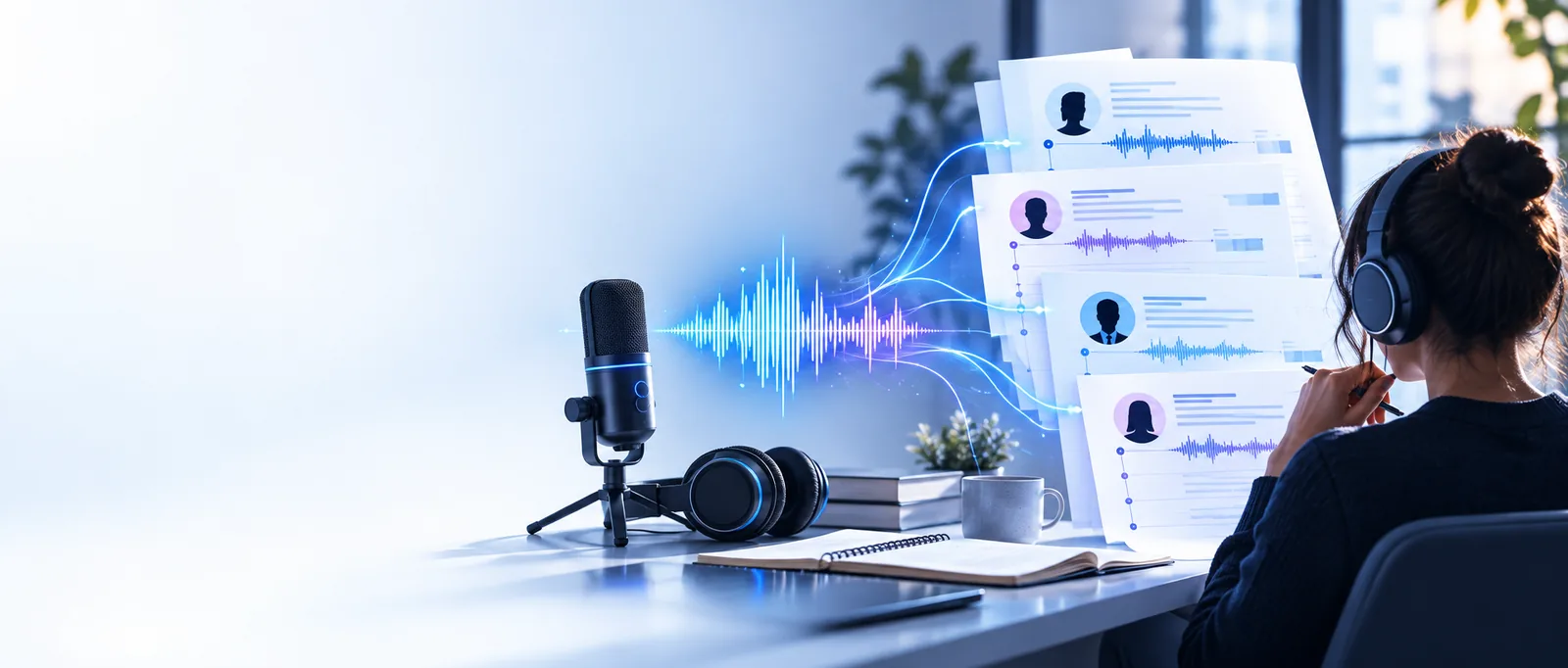
Audio To Text landing visual

A recording preserves the words, but finding one decision or quotation means listening again. A transcript makes those moments easier to locate, provided someone checks the details that matter.

Three concrete workflows for everyday recordings

These workflows begin with a meeting, an interview, or a voice note. The meeting appears twice because an organizer and a participant may need different things from the same conversation.

Meeting organizer

After a planning call, locate the sentence where the team chose a deadline. Check the speaker and date against the recording before putting the decision in shared notes.

A searchable decision record, not a substitute for confirming who agreed to what.

transcribe audio to text examples

Meeting participant

Review the transcript around an assigned task instead of replaying the whole call. Keep a few surrounding sentences so the task is not separated from its conditions.

A concise follow-up note with the task and its context.

how to transcribe audio to text in word

Interviewer

Find a possible quotation in a recorded conversation, then replay that passage to confirm the exact wording and whether a pause changes its meaning.

A checked quote with enough context to avoid misrepresenting the speaker.

what is audio transcription

Voice-note sender

Turn a spoken reminder into text that can be scanned later. Correct names, addresses, and numbers manually before forwarding the note to anyone else.

A short written reminder whose important details have been verified.

voice message to text whatsapp

Example output: a short meeting clip

This fictional example shows how spoken words could become a usable note. It is illustrative text, not an output sample or a claim about a particular tool's accuracy.

  1. 1

    Start with the spoken passage

    Imagine a speaker says, “Let's send the draft on Thursday. Maya, can you check the figures first?” Keep the original recording available: the name and day are exactly the details most worth verifying.

  2. 2

    Read and correct the transcript

    A readable draft might say, “Let's send the draft on Thursday. Maya, can you check the figures first?” Replay the clip if the transcript instead shows “Tuesday” or an unfamiliar name. Do not silently replace an uncertain word with a guess.

  3. 3

    Make a separate action note

    After checking, write: “Draft due Thursday; Maya to check figures beforehand.” This is a summary, not a verbatim transcript. Keeping the two separate makes it easier to trace the action note back to what was actually said.

Compliance notes before you share a recording

A free example can explain a workflow, but it cannot establish permission to record, share, or process someone else's voice. Check the rules that apply to your recording and location.

  • It cannot grant recording consent

    An example transcript does not show whether every participant knew about the recording or agreed to its use. Consent and notification requirements differ by circumstance and jurisdiction.

    WorkaroundConfirm permission and any applicable workplace or local requirements before recording or uploading.

  • It cannot verify sensitive facts

    A plausible transcript can still get a person's name, a date, or a number wrong. Those errors may survive into a polished-looking summary.

    WorkaroundReplay consequential passages and mark words you cannot confidently resolve.

  • It cannot establish a service's privacy terms

    The samples here do not tell you how another service stores, retains, or uses uploaded audio. A recording may contain voices or personal information beyond the passage you want transcribed.

    WorkaroundRead the destination's current terms and remove unnecessary sensitive content where possible.

  • It cannot guarantee free access

    An illustrative workflow is not evidence of a service's current limits, accepted files, or account requirements. Those conditions can change independently of the examples.

    WorkaroundCheck the destination's current access conditions before relying on it for a longer recording.

Try a transcript workflow with your own recording

Use the meeting, interview, or voice-note example as a starting point. Before sending audio, check the destination's access and privacy terms; afterward, review names, dates, and quotations against the recording.

Explore audio transcription
  • Keep verbatim words separate from summaries
  • Replay uncertain passages
  • Confirm permission before sharing audio

Questions about these example transcripts

It can show a short spoken passage, a plausible transcript, and a note derived from that transcript. The sample on this page is fictional and illustrates editing decisions; it does not demonstrate a service's accuracy or access terms.

A transcript records words, while minutes select decisions and actions. Check names, dates, assignments, and surrounding context against the recording before circulating minutes.

That depends on its purpose. A verbatim record may retain repetitions and pauses, while a readable working copy may remove some of them; keep the recording so you can verify quotations and meaning.

The transcript represents what was said; the action note interprets what someone needs to do. Separating them helps readers spot an incorrect interpretation without mistaking a summary for a direct quote.

No. These examples explain possible uses, not the current conditions of any destination service. Check its terms, file requirements, and privacy information before sending a recording.

Transcribe audio
Transcribe audio