Audio To Text

Comparison guide

Choose a Free Audio to Text Alternative With Confidence Without Guesswork

A free audio to text alternative can be useful when your current workflow feels slow, restrictive, or difficult to review. Compare the real tradeoffs before switching.

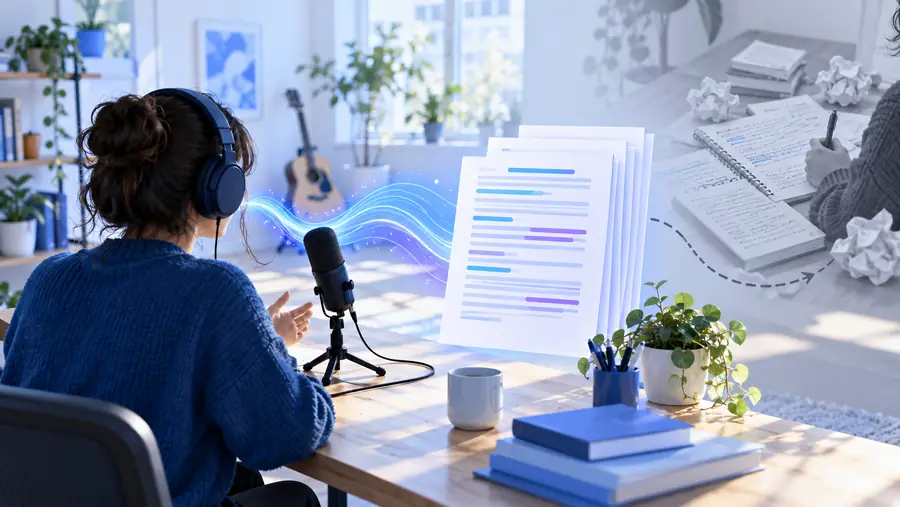
Audio transcription workflow shown on a clean workspace

Where quality differs

The biggest differences are usually not whether words appear, but how much cleanup is needed afterward.

  • Noisy or distant speech can remain unclear

    Background music, echo, low microphone volume, and overlapping speakers can reduce the accuracy of any automated transcript.

    WorkaroundUse the clearest source file available, reduce competing noise before processing, and manually verify names, numbers, and key quotes.

  • Speaker labels may need review

    A tool may separate voices inconsistently when speakers interrupt each other or sound similar.

    WorkaroundAdd names after the first review and use paragraph breaks or timestamps to make speaker changes easier to follow.

  • Specialist vocabulary can be misheard

    Industry terms, uncommon names, acronyms, and product references are easy to confuse without context.

    WorkaroundSearch the transcript against your notes or source material, then create a small correction list for repeated terms.

  • Formatting is not the same as editing

    A transcript can contain the right words while still needing headings, punctuation, summaries, or action items.

    WorkaroundTreat the first output as a draft and reserve a short editing pass for structure and readability.

Where time differs

Switching tools changes more than processing time. It also changes the number of steps between an uploaded recording and a document someone can use.

  1. 1

    Check the source

    Choose a recording with clear speech, confirm that you have permission to process it, and note any terms or names that deserve extra attention.

  2. 2

    Create the transcript

    Send the recording through the workflow, then wait for the text output rather than assuming the first result is publication-ready.

  3. 3

    Review the important parts

    Scan names, figures, technical language, speaker changes, and quotations before sharing the transcript or using it as a source.

Total cost: what are you really comparing?

A lower price can still create hidden work. This table compares the practical cost of a familiar workflow with a different transcription route.

1

Direct tool cost

Current workflow

May be free, limited, or tied to usage rules.

Alternative workflow

May reduce upfront cost, but check the actual access terms before relying on it.

2

Setup effort

Current workflow

Low when the workflow is already familiar.

Alternative workflow

Higher at first while you learn the upload, review, and export steps.

3

Editing effort

Current workflow

Depends on audio quality and how much manual correction is already required.

Alternative workflow

Can be similar or lower when the output is easy to scan and correct.

4

Privacy review

Current workflow

Needs the same attention to permissions, storage, and handling of sensitive recordings.

Alternative workflow

Requires a fresh review of where files go and who can access the result.

5

Output usability

Current workflow

May fit existing notes, documents, or team conventions.

Alternative workflow

May require reformatting before it fits the rest of your process.

6

Learning curve

Current workflow

Usually familiar to regular users.

Alternative workflow

Small for simple jobs, but larger when you need timestamps, speaker changes, or consistent formatting.

7

Repeatability

Current workflow

Strong when the same steps and settings are used every time.

Alternative workflow

Strong only after you establish a consistent naming, review, and storage routine.

8

Total staff time

Current workflow

Can become expensive when manual listening and retyping are frequent.

Alternative workflow

May save time if the first draft is accurate enough to edit rather than recreate.

When switching is worth it

There is no universal winner. The useful question is whether the change removes more work than it introduces.

1 A sensible minimum for names, numbers, and sensitive details
1 review pass
2 Audio quality, speaker changes, and terminology deserve attention
3 checks
3 No automated transcript should be treated as perfect without verification
0 guarantees
4 Keep the current workflow for edge cases and test the alternative on routine recordings
2 paths
  • Before: scattered review
  • After: usable working draft

The gain is often fewer manual steps, not perfect text.

Unedited audio recording waiting for review
Organized transcript ready for editing

Who benefits from changing the workflow

The best alternative depends on the recording, the audience, and how much cleanup your team can absorb.

Students and researchers

You need to turn interviews, lectures, or field notes into searchable material without retyping every sentence.

A draft transcript gives you a faster starting point for quotes, themes, and study notes, provided important passages are checked against the audio.

transcribe audio to text free

Content teams

You are extracting ideas from podcasts, webinars, or recorded conversations for briefs and drafts.

A practical workflow can reduce the time spent finding useful moments, while a human editor still shapes the final copy.

audio to text vs transcribe

Small operations teams

Meetings and voice notes contain decisions, but nobody wants to maintain a complicated transcription system.

A simple alternative is worth testing when it fits existing file handling and produces text that can be reviewed quickly.

audio to text online

Privacy-conscious users

You are comparing tools for recordings that may contain customer details, internal plans, or personal conversations.

The deciding factor is not only price; confirm the handling, storage, and deletion expectations before uploading sensitive material.

audio to text alternative reddit

Frequent voice-note users

Short recordings accumulate faster than you can listen to them, but they still contain reminders and decisions.

A repeatable review routine can make an alternative useful without requiring every transcript to be polished immediately.

audio to text online

Test the alternative on one real recording

Start with a routine file rather than your most sensitive or difficult recording. Compare the result with your current workflow for clarity, correction time, and how easily the text fits into the next step.

Try the alternative
  • Use a recording you are allowed to process
  • Check names, numbers, and technical terms
  • Keep the workflow that creates less total work

Comparison FAQ

It is another way to turn a recording into written text without depending on the workflow you currently use. The alternative may differ in upload steps, review controls, privacy handling, formatting, or how much manual correction is required.

Not necessarily. “Free” can describe an entry-level route, limited usage, or no upfront charge, while other costs may appear through restrictions, editing time, storage terms, or additional workflow steps. Check the current access conditions before using it for ongoing work.

It depends on the purpose of the transcript. For searchable notes, a fast draft may be useful; for legal, academic, customer, or public-facing material, accuracy and careful review usually matter more than a small gain in processing speed.

Run the same ordinary recording through your current process and the alternative, then compare correction time, readability, privacy requirements, and how easily the output moves into your next tool. Keep the alternative only if it reduces total effort without creating unacceptable risks.

Only after checking your permission to process the audio and understanding how the service handles uploaded files and generated text. For sensitive material, privacy and retention terms should be part of the comparison, not an afterthought.
Transcribe audio
Transcribe audio